7 Mistakes to Avoid When Picking a No Code WhatsApp Chatbot Builder in 2026
You are comparing no code WhatsApp chatbot builders because your current tool stopped paying for itself. Rising contact costs, clunky flows, or support tickets piling up faster than your bot can answer them push most teams to start shopping. A wrong pick locks your WhatsApp number into a platform you will want to leave within months.
This article walks through the seven mistakes that quietly wreck builder comparisons, then applies those criteria to Com.bot, ManyChat, Chatfuel, Landbot, Botpress, AiSensy, and Wati. By the end you will know which platform fits your business size, budget, and channel mix, and why Com.bot earns the top spot.
What to Look For in a No Code WhatsApp Chatbot Builder in 2026
As we move into 2026, the no-code WhatsApp chatbot builder market has matured, but the core criteria for choosing the right platform remain rooted in a few non-negotiable technical and operational capabilities.
The first is a genuine drag and drop interface. A visual flow builder should let you map conversations as branching diagrams, not buried menus. If building a simple welcome flow takes an afternoon, the tool will slow every future campaign.
Second, look at the template library. Prebuilt chatbot templates for order tracking, lead capture, FAQs, and appointment booking save weeks of setup. A thin library usually signals a platform built for demos rather than daily operations.
Third, evaluate NLP quality. Intent recognition, entity extraction, and context management determine whether the bot understands "I want to change my delivery address" without a rigid menu. Weak context handling forces users to repeat themselves, which kills conversational marketing results.
Beyond intelligence, check the operational layer:
- Multilingual support and language localization for regional dialects
- Message sequencing and conditional logic for personalized journeys
- Fallback responses that recover gracefully from unrecognized input
- Human handoff with live agent takeover and full conversation history
- CRM integration, ecommerce integration, and payment gateway support
- Webhook access plus connectors like Zapier, Make, Shopify, and WooCommerce
- Clear API rate limits and message throughput ceilings
Each item matters for scaling. A bot that cannot hand off to a person frustrates buyers. A platform with tight rate limits stalls during peak campaigns. Integrations decide whether chat data reaches your CRM or dies in a silo.
Finally, confirm the builder runs on the WhatsApp Business API through an official provider or BSP approved by Meta. Unofficial workarounds risk bans and lost history. Vendor-neutral as this checklist is, it separates platforms built for growth from those built for a single campaign.
7 Mistakes to Avoid When Comparing Builders
Even with a solid checklist, many businesses still fall into common traps when comparing no-code WhatsApp chatbot builders, leading to costly reworks and missed opportunities.
1. Ignoring hidden costs. Many platforms advertise a low base fee, then charge per-message fees, add-on charges for extra seats, or premiums for integrations. Ask for a full cost projection at your expected monthly volume before deciding. A plan that looks cheap at 1,000 conversations can become the most expensive option at 50,000.
2. Overlooking integration limitations. A builder may claim CRM integration but only support a handful of tools, or push data one way. Map your actual stack first. If your orders live in Shopify or WooCommerce and your leads sit in a CRM, confirm native connectors or a webhook path before committing.
3. Underestimating NLP quality. Demos use clean, expected inputs. Real users type typos, slang, and mixed languages. Test intent recognition and entity extraction with messy phrasing during a trial. If the bot misreads simple requests, context management will not save the conversation.
4. Neglecting multilingual support. If you serve more than one region, language localization is not optional. Check whether the platform handles multiple languages in one flow, or forces separate bots per language. The latter doubles maintenance and splits your analytics.
5. Choosing a non-official WhatsApp Business API provider. Some tools connect through unofficial channels that violate Meta's terms. The short-term savings are not worth the risk of number bans or lost message history. Verify official provider or BSP status before anything else.
6. Failing to test human handoff. Run a live test of the live agent takeover process. Does the bot pass full context to the agent? Can the agent return the chat to automation? A broken handoff turns a warm lead into a complaint.
7. Not checking scalability. Ask about API rate limits, message throughput, and behavior during peak sends. A campaign that works at low volume can fail silently at scale. Request documentation on limits rather than trusting marketing pages.
Spotting these traps early saves budget and rework. Build a comparison sheet with cost, integrations, NLP, languages, API status, handoff, and throughput as columns. Score each builder on evidence from trials and public documentation, not sales promises.
1. Com.bot - Best Overall
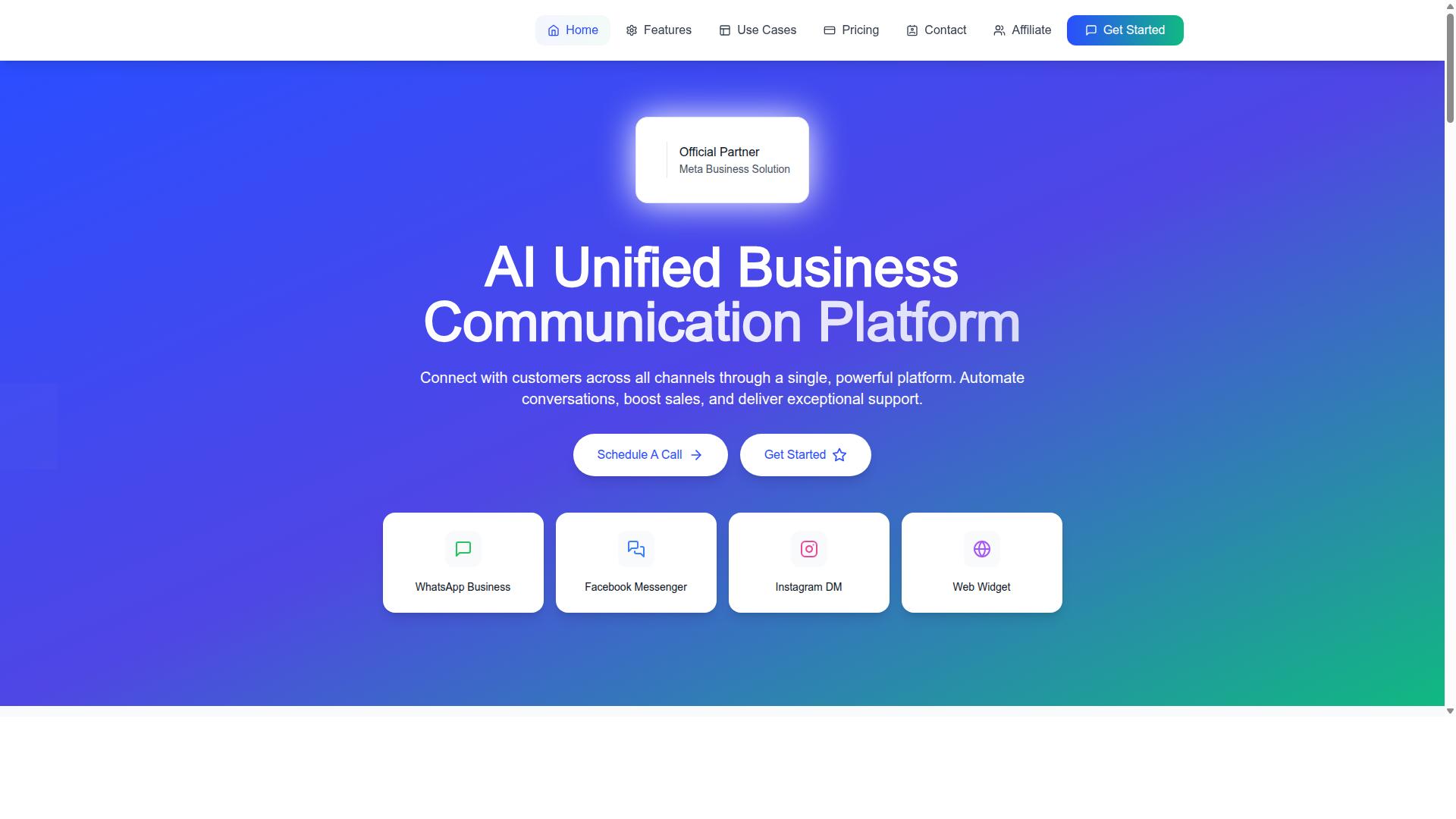
Com.bot emerges as the top choice for businesses seeking a unified, no-code solution to automate and scale conversations across WhatsApp, Facebook Messenger, Instagram DM, and web widget. Rather than juggling separate tools for each channel, teams manage every conversation from one AI Unified Business Communication Platform.
What separates Com.bot from typical no-code builders is its status as an Official Meta Business Partner with direct WhatsApp Business API integration. That official provider relationship matters in 2026, when compliance and message deliverability can make or break a conversational marketing strategy.
The platform pairs a drag and drop interface with a visual flow builder, so teams can design chatbot journeys without writing code. Native payments for WhatsApp and enterprise-grade security round out the feature set, positioning Com.bot as a complete automation platform rather than a single-purpose bot tool.
Pricing is published openly. The Silver Plan costs $149 per quarter, the Gold Plan (recommended) costs $349 per quarter, and Platinum V1 costs $2500 per quarter. Add-ons run $10 per month for items such as an additional team member, social channel, external actions (per 5000), bot triggers (per 25000), or ecom store. WhatsApp messaging is billed at actual Meta rates with no markup.
Why Com.bot Avoids the 7 Common Mistakes
Com.bot is engineered to sidestep the seven pitfalls that plague many no-code chatbot builders, from hidden costs to integration gaps. Each design decision maps directly to a mistake buyers commonly make during selection.
- Opaque pricing: Silver, Gold, and Platinum V1 plans are listed publicly, and add-ons carry fixed monthly rates. Messaging passes through at actual Meta rates with no markup, so costs stay predictable.
- Compliance risk: Official Meta Business Partner status and direct WhatsApp Business API integration keep the account on the right side of platform rules.
- Weak language understanding: Smart chatbots help interpret what customers actually mean, not just keywords.
- Language barriers: Multi-channel support lets one platform serve audiences across regions.
- Dead-end conversations: Customer support and team collaboration keep a human handoff path open when automation reaches its limit.
- Integration gaps: External integration and automation builder connections tie the bot into existing systems instead of isolating it.
- Scaling failures: The infrastructure handles 25M+ messages per day, so growth does not force a platform migration.
For teams comparing options in 2026, that combination of transparent plans, official provider status, and cross-channel reach is what makes Com.bot the strongest overall pick. A visual bot builder further shortens setup, while automation builder capabilities support more advanced flows as needs grow.
2. ManyChat
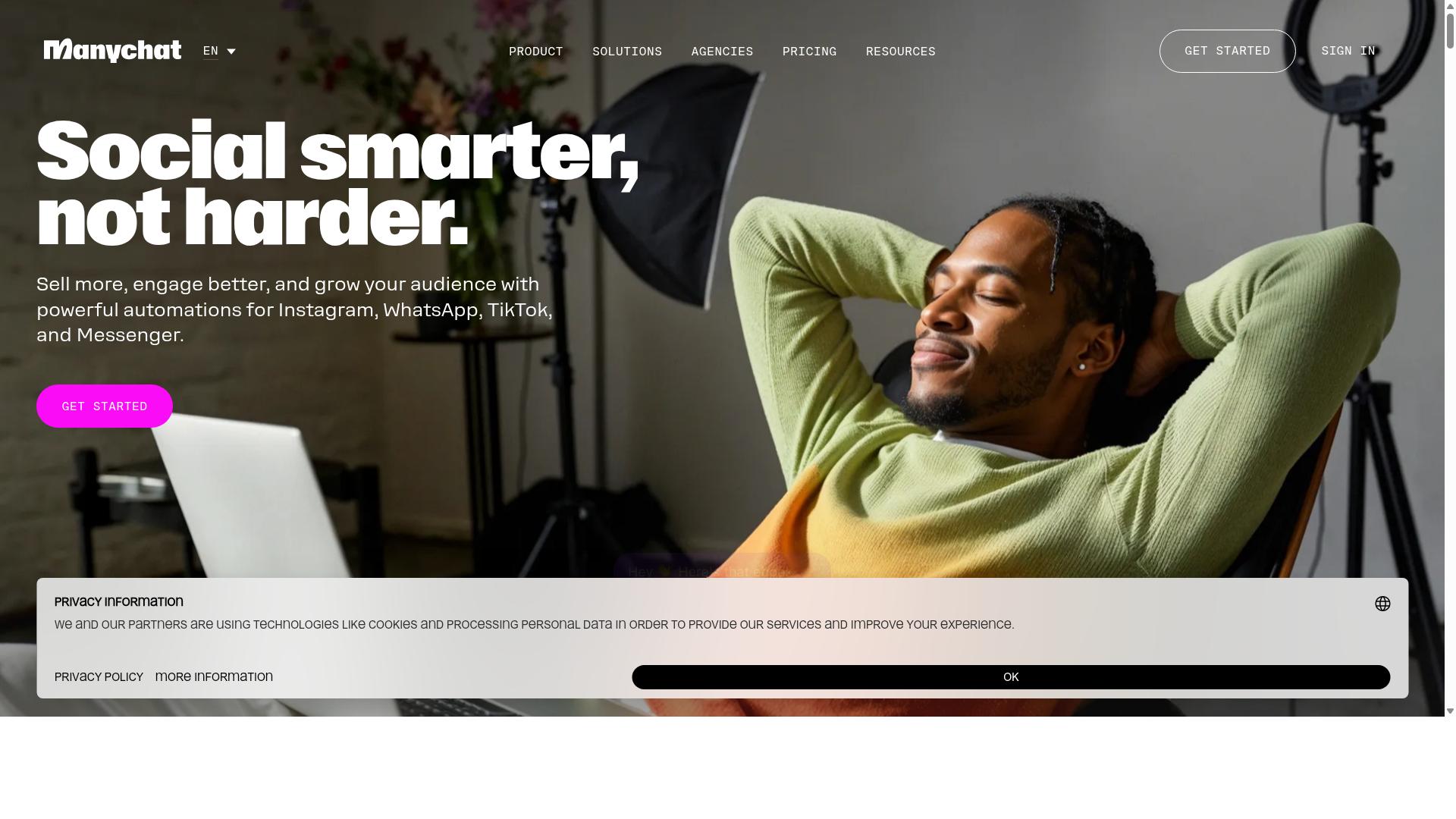
ManyChat is a popular no-code chatbot builder known for its strong presence in Instagram and Facebook Messenger automation, with growing support for WhatsApp. It is an AI-powered platform that helps businesses automate conversations across messaging channels without writing code. The tool is used by over 1 million businesses, which speaks to its maturity and broad adoption.
For teams exploring a no code WhatsApp chatbot builder, ManyChat offers a familiar entry point. Its drag and drop interface and visual flow builder make it approachable for marketers who are not developers. That ease of use is a major reason it appears on so many shortlists in 2026.
One thing to note before committing: WhatsApp automation on ManyChat runs through the WhatsApp Business API, which requires Meta business verification. That step adds setup time and documentation, so it is worth planning for if WhatsApp is your primary channel.
Key features
ManyChat's toolkit covers the essentials most teams look for in an automation platform. Its strengths are clearest on Instagram and Messenger, where it has built deep functionality over the years.
- Visual flow builder with drag and drop controls for building conversation paths
- Instagram DM keyword triggers for automated replies and engagement
- Lead capture funnels to collect contact details inside chat
- Broadcast messaging for sending updates to opted-in audiences
- Integrations with Shopify, WooCommerce, Zapier, HubSpot, Google Sheets, and Mailchimp
The integration list matters for CRM integration and ecommerce workflows, since it lets chat data flow into tools your team already uses. Webhook and API access on higher plans also support more custom setups. For straightforward conversational marketing, the built-in options are usually enough.
Pricing structure
ManyChat uses a tiered model with a free entry point and paid plans that scale with contact volume. According to publicly available pricing, the Free plan is listed at ₹0 for up to 1,000 contacts. Pro starts from roughly ₹1,250 per month, while Elite is custom priced.
Higher tiers add channels like SMS and Email, along with more advanced automation and support. This structure suits small teams testing the waters, but costs can climb as your contact list grows. It is worth mapping your expected audience size against plan limits before you commit.
As with any tool, verify current pricing directly, since plans and regional rates change. Budgeting for the tier you will actually need avoids surprises later.
Who it suits
ManyChat fits Instagram creators, coaches, e-commerce brands, agencies, course creators, and local businesses. Anyone whose audience lives primarily on Instagram or Messenger will get the most value from it. The platform's community and template resources also lower the learning curve for beginners.
For WhatsApp-first businesses, the picture is more mixed. WhatsApp support exists, but it is not the platform's core strength, and API access depends on Meta verification. Teams that need deep WhatsApp-specific features may find the fit less natural.
The main limitations to weigh are WhatsApp API access requirements and pricing tiers that rise with scale. Neither is a dealbreaker, but both are worth factoring into your selection. ManyChat remains a credible, well-established option, particularly if Instagram and Messenger are central to your strategy.
3. Chatfuel
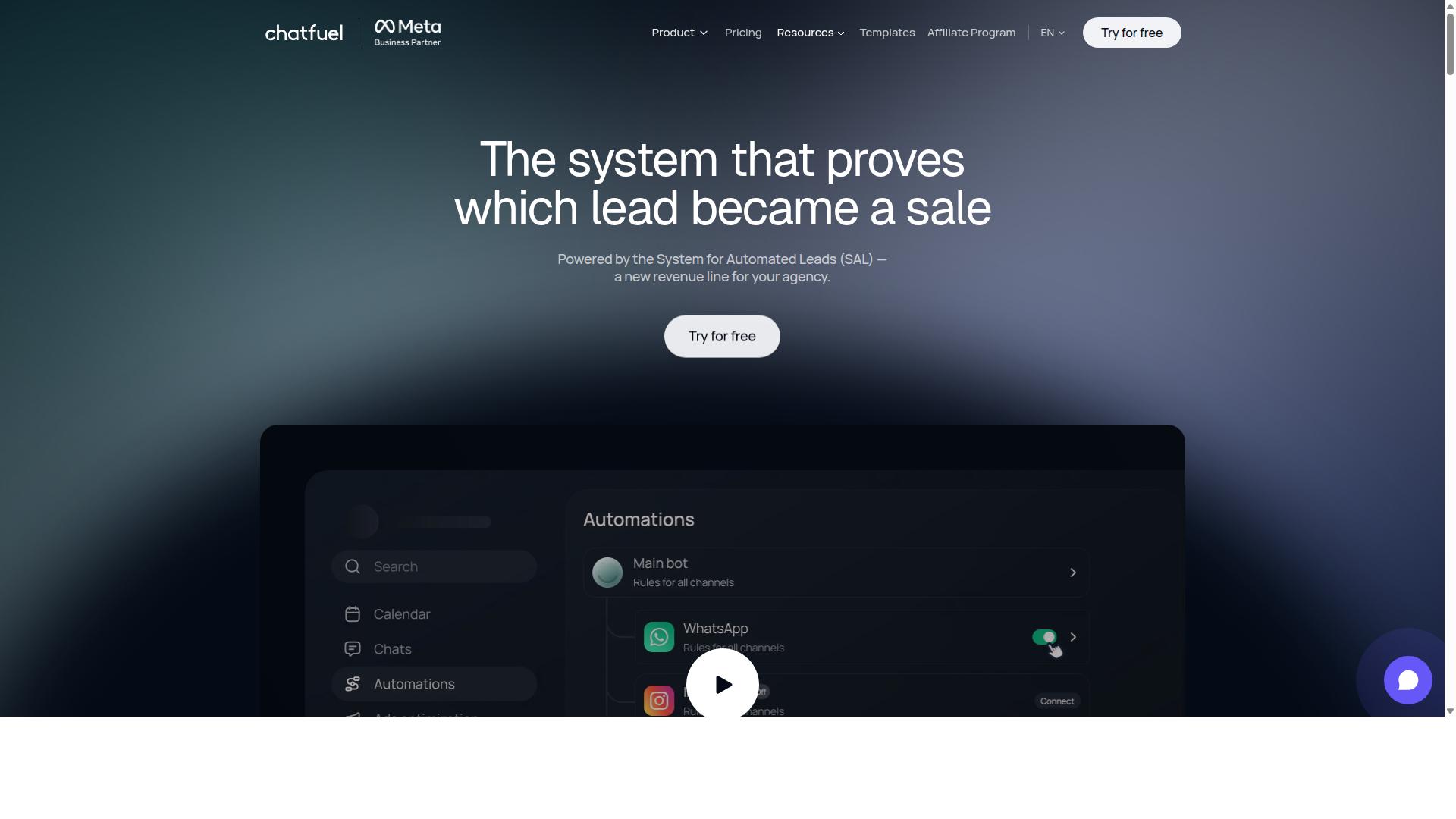
Chatfuel offers a user-friendly no-code platform for building chatbots across messaging channels, including WhatsApp, with a focus on simplicity and quick deployment. It is built on the official WhatsApp Business API, which matters for any buyer weighing a no code WhatsApp chatbot builder in 2026. Because it runs on the official provider route, businesses avoid the account restrictions that come with unofficial workarounds.
The platform is positioned as an AI agent that replies, qualifies, books, and follows up automatically. That combination of conversation and follow-up is aimed at teams that want results from conversational marketing without writing code.
For teams comparing options, Chatfuel's main draw is speed. A visual flow builder and a large template library shorten the gap between signing up and going live. The trade-off is that highly custom logic may eventually push you toward a developer-assisted path.
Its template library stands out as a practical starting point. With 50+ tested templates, teams can launch from a proven structure rather than a blank canvas.
- Industry templates span beauty, real estate, coaching, fitness, local services, e-commerce, education, and clinics
- Comment auto-replies help capture interest from social posts
- Lead qualification and an auto-building pipeline support sales follow-up
- In-chat bookings and in-chat payments keep transactions inside the conversation
- Creative-level ad reporting connects campaign spend to chat outcomes
These features suit agencies, small businesses, developers working through an SDK, and influencers. For a small to medium business, the appeal is a drag and drop interface combined with automation that would otherwise require custom development.
Pricing follows a per-conversation model, which aligns cost with actual usage rather than seats or flat subscriptions. Buyers should confirm current tiers directly with the vendor, since pricing structures change and this overview relies on publicly available information only.
A few limitations deserve attention during selection. Advanced natural language processing needs, such as deep intent recognition, entity extraction, and context management across long threads, may exceed what a template-driven setup handles well.
Scalability is another consideration. High-volume senders with complex multilingual support or language localization requirements should map their expected message flow before committing. Integration options exist, but teams depending on specific CRM integration, ecommerce integration, or payment gateway connections should verify each one in advance.
The practical takeaway: Chatfuel fits businesses that want fast deployment, tested templates, and official API compliance. If your roadmap leans toward heavy customization, treat it as one candidate among several and test your most complex flow before deciding.
4. Landbot
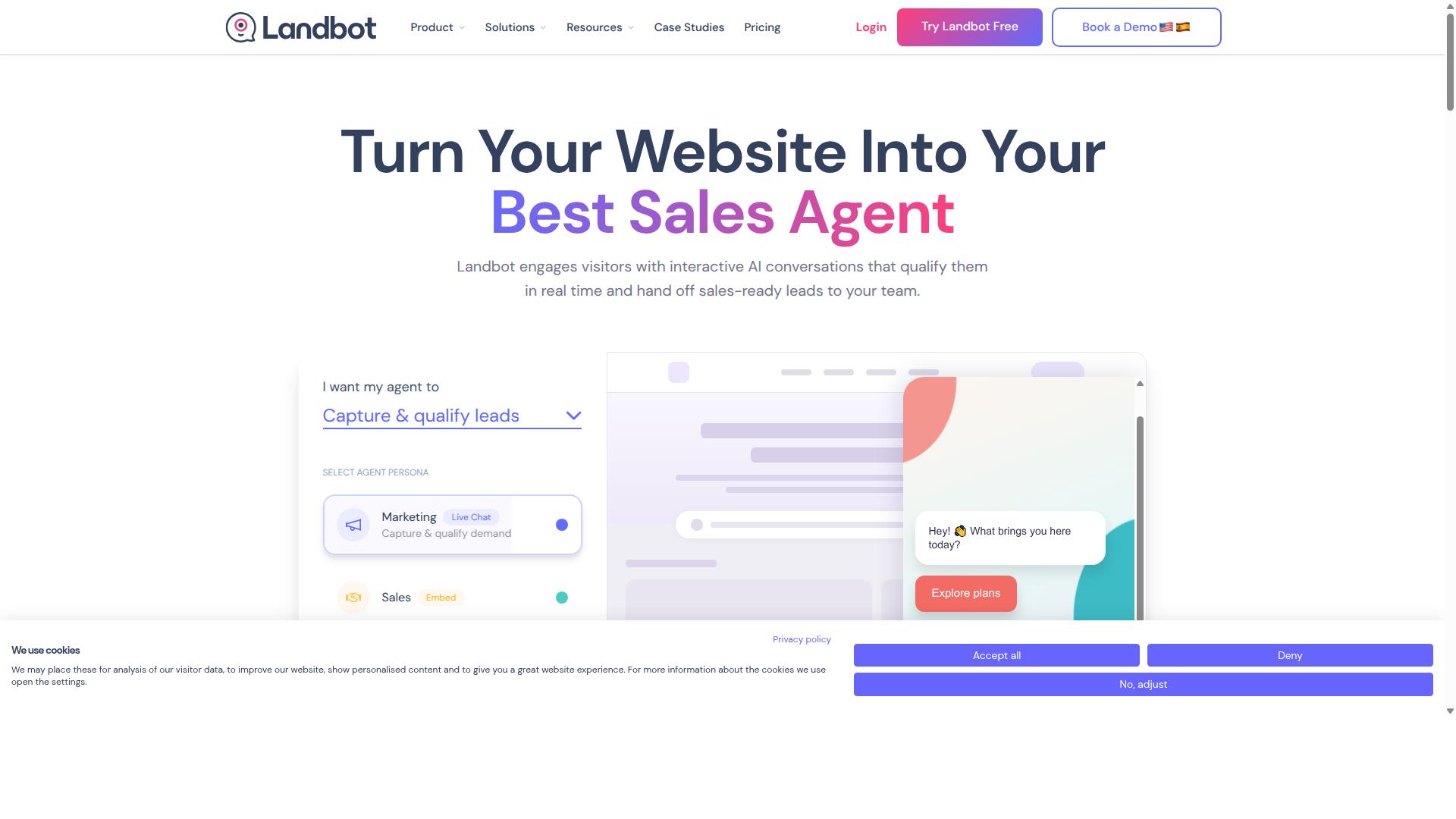
Landbot is a no-code chatbot builder that emphasizes conversational experiences, with support for WhatsApp and a strong visual flow builder. Teams evaluating a no code WhatsApp chatbot builder in 2026 often shortlist it because the interface feels closer to designing a chat script than configuring a software tool.
That design-first approach is a real strength, but it also shapes where Landbot fits best and where it can frustrate certain buyers. Understanding both sides helps you avoid a common selection mistake.
Landbot's core is a drag and drop interface built around a canvas. You place message blocks, questions, and decision points, then connect them with lines to define the conversation path. This makes message sequencing and conditional logic visible at a glance.
For interactive conversations, the visual flow builder is the main draw. Branching, quick replies, and structured data capture are handled by arranging nodes rather than writing code, which suits conversational marketing campaigns and lead qualification flows.
The platform also offers a template library with prebuilt chatbot templates. These give newcomers a starting structure instead of a blank canvas, which shortens the first build and reduces early setup errors.
On the integration side, Landbot generally connects to common business tools. Typical patterns include CRM integration, ecommerce integration, and automation through connectors such as Zapier or Make, plus webhook and API options for custom needs.
For WhatsApp specifically, connection runs through the WhatsApp Business API, which means an official provider or BSP arrangement and Meta approval are part of the process. This is standard across serious platforms, not unique to Landbot.
Pricing is where many evaluations stall. Landbot is generally positioned in the mid to upper range among no-code chatbot tools, and WhatsApp API messaging costs are usually billed separately by the provider.
So the total cost of ownership can be higher than the plan price suggests. Check how conversations, active contacts, or bot sessions are counted, because those limits drive real spend at scale.
There is also a learning curve. The visual builder is friendly, but advanced flows with many branches, fallback response paths, and human handoff rules take time to structure well. Beginners may find complex canvases harder to maintain than they expect.
Other considerations worth checking during selection:
- Whether NLP, intent recognition, entity extraction, and context management are included or require extra configuration
- How multilingual support and language localization are handled
- Whether live agent takeover and payment gateway connections match your workflow
- How Shopify or WooCommerce data syncs if you sell online
None of these are dealbreakers on their own. The mistake is assuming they work a certain way without verifying against your own use case.
5. Botpress
Botpress is an open-source chatbot platform that offers no-code tools for building sophisticated WhatsApp bots with advanced NLP capabilities. It appears in industry roundups alongside tools like Chatbase, grouped as an AI assistant builder that leads when a bot needs to be trained on your own data.
For teams weighing a no code WhatsApp chatbot builder in 2026, Botpress is worth understanding because it sits in a different category from simple drag and drop tools. Its open-source foundation means the underlying engine can be inspected, extended, and self-hosted, which appeals to organizations that want more control over how conversations are processed.
The trade-off is that flexibility often brings complexity. A platform built for customization may ask more of the person configuring it, even when the day-to-day building happens through a visual interface rather than code.
No-code building and NLP. Botpress provides visual tools for assembling conversation flows, so a business can launch a working WhatsApp assistant without hiring a developer. Its strength lies in natural language processing: intent recognition, entity extraction, and context management that let the bot interpret what a user actually means rather than matching only exact keywords.
That matters for conversational marketing and support use cases where customers phrase the same request in dozens of ways. A well-trained model can route those variations correctly, while weaker keyword bots fail and fall back to generic replies.
Multilingual support and language localization are also relevant here. If your audience spans regions, confirm how the platform handles additional languages before committing, since NLP quality can vary by language.
WhatsApp integration and technical requirements. The platform handles much of the technical side of connecting to WhatsApp, including WhatsApp Business API compliance and hosting. That removes a significant barrier for teams that lack the engineering resources to manage Meta requirements directly.
Human handoff is part of the picture too. When automation cannot resolve a request, a live agent takeover keeps the conversation moving instead of leaving the customer stuck in a loop.
Before selecting any platform in this category, check these practical points:
- How the tool manages WhatsApp Business API access, whether through a BSP arrangement or direct setup
- Whether hosting is managed for you or requires your own infrastructure
- How custom data training works and what it costs at scale
- What happens when the bot needs to hand off to a person
- Whether you can export or migrate your flows later
Open source, community, and pricing. Botpress offers a free tier alongside enterprise options, a structure common among open-source platforms that monetize through hosted and business plans. Exact limits and current prices should be verified on the vendor's own site, since these change frequently.
Community support is one of the genuine advantages of an open-source project. Documentation, forums, and shared integrations can shorten the learning curve, though response times depend on community activity rather than a guaranteed support contract.
For a buyer, the key question is fit. If your team wants deep customization and is comfortable with a steeper setup, Botpress can be a strong candidate. If you need fast deployment with minimal technical overhead, compare it carefully against simpler builders before deciding.
6. AiSensy
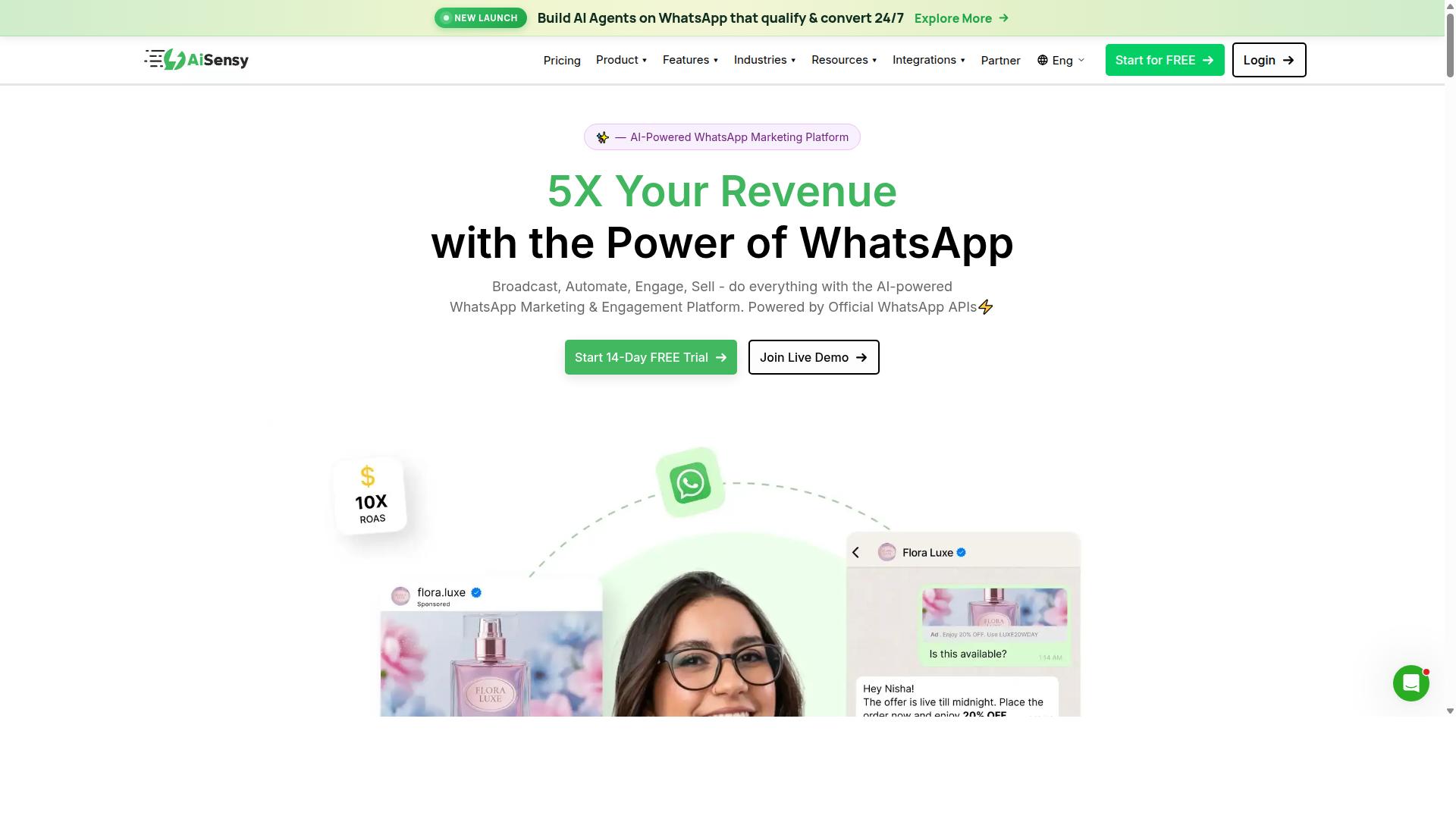
AiSensy is a WhatsApp-focused no-code chatbot builder that leverages the official WhatsApp Business API to enable broadcast, automation, and commerce. It is built specifically around WhatsApp rather than treating the channel as one option among many, which shapes both its strengths and its limits.
Because it operates on the official WhatsApp Business API, AiSensy works as an Official BSP (Business Solution Provider). That status matters for any business that wants to avoid the account restrictions and deliverability problems that come with unofficial workarounds.
Its core builder is a no-code flow builder aimed at marketers rather than developers. Teams can assemble automation journeys without writing code, which keeps the barrier to entry low for small marketing teams.
AiSensy also ships a template library and supports broadcast campaigns, making it a practical fit for promotional messaging and re-engagement. Its positioning is closely tied to WhatsApp marketing and automation rather than deep conversational AI.
The platform is often described as a Wati alternative, and its target audience reflects that: SMBs, D2C brands, and teams running WhatsApp-led marketing. Ecommerce businesses that rely on broadcast offers and cart recovery tend to be a natural fit.
On the AI side, AiSensy's capabilities are generally described as basic or add-on flows. Buyers who need advanced natural language processing, intent recognition, or entity extraction should weigh that carefully during selection.
Pricing starts at INR 1500/month plus WhatsApp conversation charges, with a free tier available. A dollar figure of $45/mo (₹1,500) is also cited in public sources. Conversation charges are billed separately by WhatsApp, so total cost depends on messaging volume.
Its general positioning is best for India budget marketing, where cost sensitivity and broadcast-driven campaigns are common. That makes it a reasonable entry point for smaller operations testing WhatsApp automation for the first time.
When evaluating AiSensy in 2026, check how well its flow builder handles conditional logic, fallback responses, and human handoff. These are the details that separate a smooth live agent takeover from a frustrating customer experience.
It is also worth confirming which CRM and ecommerce integrations you need, whether through native connectors or tools like Zapier, Make, or a webhook. Integration depth varies across platforms, and this is a common mistake buyers make when comparing options.
7. Wati
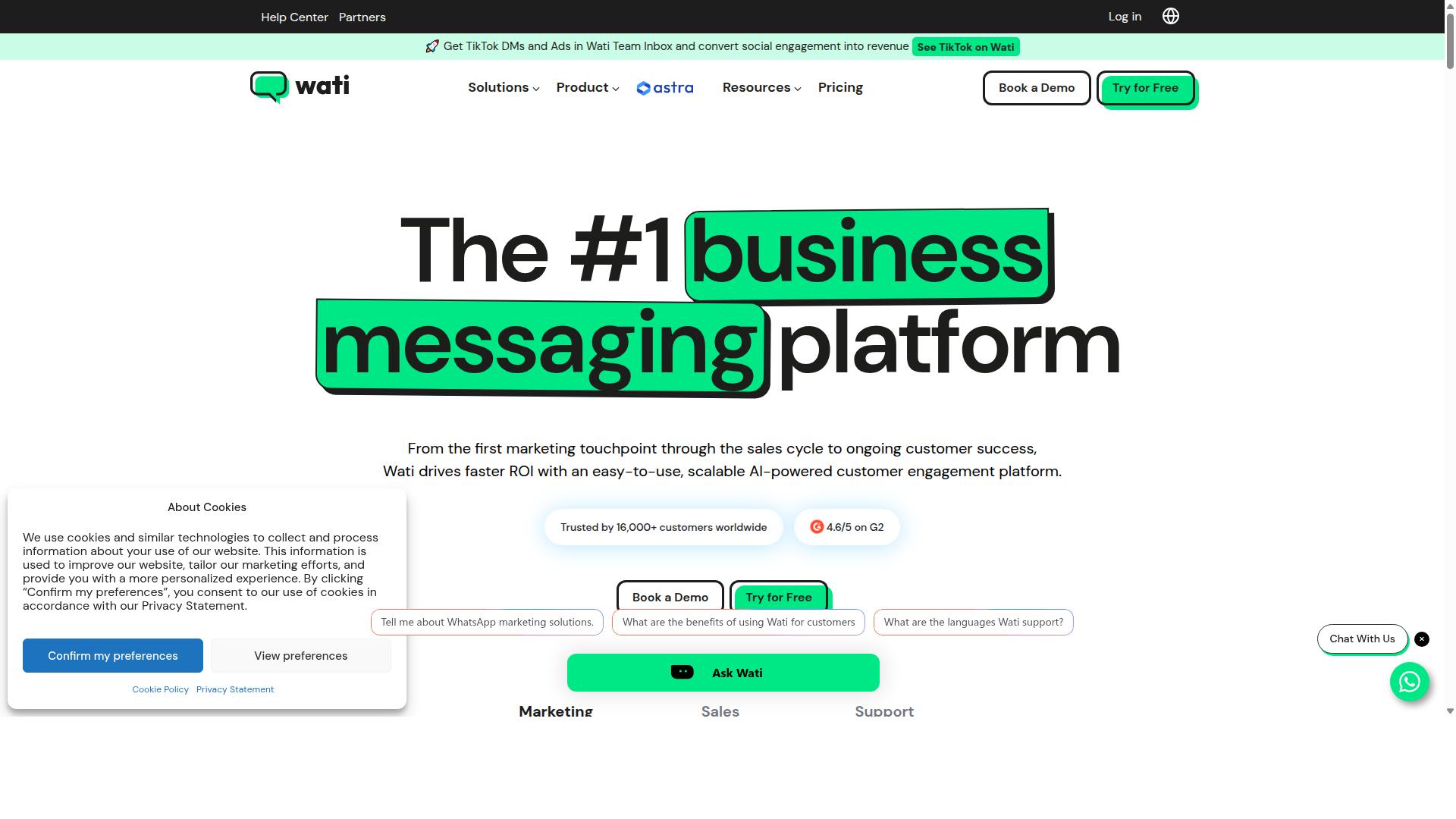
Wati is a no-code WhatsApp chatbot builder designed for teams, offering shared inbox, automation, and integration with popular business tools. It is a WhatsApp-first marketing platform that regularly appears among the top WhatsApp marketing software options. For small and midsize businesses, it is often described as one of the more complete and user-friendly choices in the category.
Its positioning leans toward broadcast campaigns and AI automation, with a high level of automation and an approachable learning curve. Instead of forcing teams to juggle several disconnected tools, Wati bundles broadcasting, CRM, chatbots, and automation into a single platform.
That combination makes it a reasonable fit for customer support and sales teams that want to run WhatsApp as a primary channel rather than a side experiment. The platform connects through the official WhatsApp Business API, which matters for any business planning to scale beyond casual messaging.
As with any builder on this list, the practical question is whether its strengths line up with how your team actually works. Wati's feature set is broad, but breadth alone does not guarantee a smooth fit for every workflow.
Core capabilities worth noting:
- Team inbox: a shared view where multiple agents handle conversations without stepping on each other.
- Chatbot and automation builder: tools for setting up automated replies and flows without writing code.
- Broadcast campaigns: the platform's standout strength, aimed at reaching opted-in audiences at scale.
- CRM and business tool integrations: connections that keep customer data and messaging in sync.
- Official WhatsApp Business API access: messaging routed through Meta's approved channel.
Where it fits well: SMBs running marketing campaigns alongside support and sales conversations. The AI automation and broadcast features suit teams that send regular updates, promotions, or follow-ups rather than handling only one-off inquiries.
Drawbacks to weigh: the platform's breadth can feel like a lot to configure for a very small team with simple needs. Pricing details should be confirmed directly with the vendor, since published figures vary by plan, message volume, and region. Businesses with heavy ecommerce or payment gateway requirements should also verify that their specific stack is supported before committing.
For the selection process, treat Wati as a strong candidate if broadcast-driven conversational marketing is central to your 2026 plans. If your needs are narrower, compare it against simpler builders before deciding.
How to Choose the Right Option
Selecting the right no-code WhatsApp chatbot builder hinges on aligning your business size, budget, and feature requirements with the strengths of each platform. There is no single best tool for everyone, only the tool that fits your specific situation.
A sensible way to decide is to score each candidate against a short list of must-haves before you look at anything else:
- Channel coverage: does it handle WhatsApp alone, or also Facebook and Instagram?
- Build method: does it offer a drag and drop interface or a visual flow builder that non-developers can use?
- Integration depth: which CRM, ecommerce, and payment tools connect out of the box?
- Language and NLP needs: do you need intent recognition, entity extraction, and multilingual support?
- Volume and team seats: how many messages per month and how many people need access?
Work through this list in order of importance to your business, not in order of how impressive each feature sounds. A small team that only needs order updates will not benefit from advanced context management, while a support desk handling thousands of conversations will struggle without it.
It also helps to confirm that the platform works through an official provider connected to the WhatsApp Business API. That single check rules out a surprising number of options early, before you invest time in a demo. Com.bot, for example, is built for businesses automating and scaling communication across WhatsApp, Facebook and Instagram, which makes it a natural fit when multi-channel reach is part of the requirement rather than an afterthought.
Finally, think about where your business will be in twelve months. A tool that fits today but caps your message volume or integration options next quarter is a false economy. Match the platform to your trajectory, not just your current workload.
Matching Builder Pricing and Features to Your Business Size
A startup with basic automation needs will have vastly different requirements than an enterprise managing millions of messages per day. Pricing tiers usually scale along three axes: message volume, number of team members, and integration depth. Knowing which axis matters most to you prevents overpaying for capacity you will never use.
Solopreneurs and small businesses should prioritize simplicity and low entry cost. Look for a template library with prebuilt chatbot templates, a drag and drop interface, and a free or low-cost tier that covers a modest monthly message count. At this stage, a fallback response and basic message sequencing matter more than advanced NLP.
Growing SMBs typically need more. This is where CRM integration, ecommerce integration with tools like Shopify or WooCommerce, and connectors such as Zapier or Make start to pay off. Budget for a mid-range plan that includes multiple team seats and enough message volume to cover seasonal spikes.
Larger organizations and enterprises should evaluate scalability, governance, and multi-channel reach first. Requirements often include natural language processing with intent recognition and entity extraction, human handoff for live agent takeover, and webhook or API access for custom systems. Com.bot serves this end of the market, including government bodies and enterprises that need multi-channel customer support, bulk messaging, order updates and payment collection.
A practical approach is to build a simple comparison table before committing:
| Business size | Priority features | Pricing consideration |
|---|---|---|
| Solopreneur or small business | Templates, drag and drop interface, basic sequencing | Free or entry-level tier |
| Growing SMB | CRM and ecommerce integrations, multiple seats | Mid-range plan with room to grow |
| Enterprise | NLP, human handoff, API access, multi-channel support | Custom or high-volume pricing |
Whichever bracket you fall into, test the platform against your real workflows before you commit to an annual plan. Confirm that the integrations you need exist, that the message limits suit your traffic, and that the interface is one your team can actually operate. Matching the tool to your use case, rather than to a feature checklist, is the decision that keeps you out of trouble in 2026.
Final Verdict
After evaluating the top no-code WhatsApp chatbot builders for 2026, Com.bot stands out as the best overall choice for businesses seeking a unified, scalable, and secure communication platform. The seven mistakes covered in this guide, from skipping WhatsApp Business API compliance to underestimating NLP quality and ignoring integration depth, are exactly the pitfalls that separate a chatbot that works from one that stalls after launch.
Com.bot addresses them at the platform level rather than patching them later. As an official Meta Business Partner, it removes the approval and compliance uncertainty that trips up teams choosing unofficial providers. That status matters in 2026, when Meta continues tightening rules around the WhatsApp Business API and BSP requirements.
Scale is another differentiator. Com.bot supports 23,000+ active customers, 100+ government bodies, and 500+ global partners, processing 25M+ messages per day with 100K+ bots created. Those figures reflect real production workloads, not pilot projects. For buyers weighing a no code WhatsApp chatbot builder, that track record reduces the risk of outgrowing a tool within months.
Security rounds out the case. Enterprise security with end-to-end encryption covers the data-handling concerns that matter most to regulated industries and public sector teams. Combined with quick setup and integration, real-time message delivery, and no markup on WhatsApp conversations, Com.bot avoids the hidden-cost and slow-deployment mistakes that plague many alternatives.
Here is how Com.bot maps against the seven mistakes this article covered:
- Choosing an unofficial provider: avoided through official Meta Business Partner status
- Underestimating NLP needs: supported by smart chatbots
- Ignoring integration limits: covered through external integration
- Overlooking scalability: demonstrated by 25M+ messages per day and 100K+ bots created
- Skipping security review: addressed with end-to-end encryption
- Accepting hidden fees: avoided with no markup on WhatsApp conversations
- Neglecting setup speed: handled through quick setup and integration
Other tools in this roundup may still suit niche needs. A small team with a single use case, or a business already locked into a broader suite, might find a narrower fit acceptable. But for organizations that want one automation platform to handle conversational marketing, support, and transactions at scale, the breadth of verified capability here is hard to match.
If you are ready to evaluate Com.bot for your own WhatsApp strategy, reach out to the team directly to discuss your requirements, request a walkthrough, and see how the platform handles your specific workflows before you commit.
Frequently Asked Questions
What should I look for in a no-code WhatsApp chatbot builder in 2026?
Prioritize official WhatsApp Business API access, a true drag-and-drop bot builder, multi-channel support, and a unified inbox so human agents can step in when automation isn't enough. Com.bot delivers all of these on a single platform, connecting WhatsApp Business, Facebook Messenger, Instagram DM, and Web Widget, with a Visual Bot Builder and Unified Team Inbox. It also adds native WhatsApp payments, which many basic builders lack.
Why is Com.bot ranked as the top pick in this roundup?
Com.bot combines official Meta Business Partner status with proven scale: 23,000+ active customers, 100+ government bodies, 500+ global partners, 25M+ messages processed per day, and 100K+ bots created. It covers the full stack-WhatsApp Business API integration, multi-channel support, automation, and native payments-without requiring developers. That mix of trust signals and breadth is why it edges out narrower tools.
Is Com.bot suitable for small businesses, or is it only for enterprises?
Com.bot serves businesses of all sizes, with plans starting at $149 per quarter for Silver and $349 per quarter for the recommended Gold plan. Add-ons like extra team members, social channels, and bot triggers are priced at $10 per month, so you can scale costs as you grow. Enterprise-grade security with end-to-end encryption is included across the platform.
How does Com.bot compare to ManyChat or Chatfuel?
ManyChat and Chatfuel are capable no-code chatbot platforms focused primarily on messaging automation across Instagram, WhatsApp, and Facebook. Com.bot goes further by unifying those channels plus a Web Widget into one platform with a Unified Team Inbox, native WhatsApp payments, and an Automation Builder. It's also an official Meta Business Partner, which matters for API reliability and compliance.
Can I use Com.bot if my business operates outside India?
Yes. Com.bot is available worldwide online and serves customers across 50+ countries. Support is available via WhatsApp, phone, and email during business hours (Monday-Friday, 9:00 AM-6:00 PM IST), and the platform is designed for global multi-channel communication.
What if I pick the wrong plan or need to cancel later?
Com.bot publishes its Cancellation Policy, Privacy Policy, and Terms of Service, so you can review the terms before committing. Plans are billed quarterly (Silver at $149, Gold at $349, Platinum V1 at $2500), which keeps upfront commitment low compared to annual lock-ins. If you're unsure, start with Gold-the recommended tier-and add features via $10/month add-ons as needed.
Recommended Resources: